Why Revoke Mint and Freeze Authority on a Solana Token?
What mint, freeze and update authority let a Solana token creator do, why holders check them before buying, and when to revoke or keep each one.
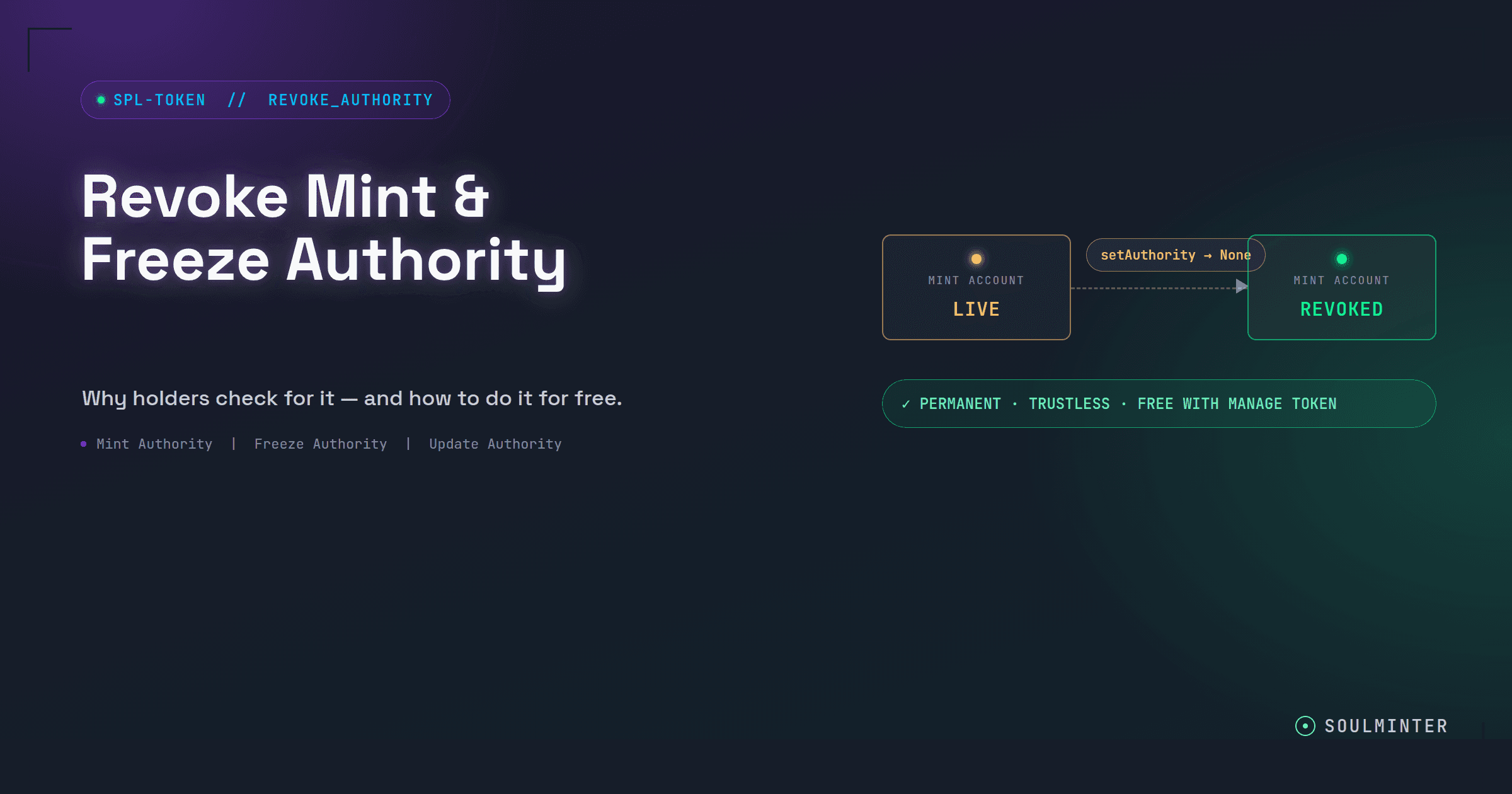
If you've spent any time around Solana tokens, you've probably seen someone in a comment section ask "wait, is mint authority revoked?" before they'll even consider buying in. It's one of the first things experienced holders check, and for good reason. This guide explains what each authority actually lets you do, why holders care, and when revoking it is the right call.
Already decided and just want the steps? Follow our step-by-step guide to revoking authorities on an existing token.
TL;DR
- Mint authority lets whoever holds it create new supply at any time, in any amount.
- Freeze authority lets the holder freeze an individual token account, which stops that wallet from transferring or selling that one token.
- Update authority lets the holder change the token's name, symbol and image.
- Holders check these before buying, because a live authority is a power the creator could still use against them.
- An unrevoked mint authority is a trust signal rather than proof of a scam. Some legitimate projects keep it temporarily for staking rewards or bridging.
- Revoking is permanent. Nobody can mint supply or freeze an account again, including you.
What Are Mint, Freeze and Update Authority on Solana?
Every SPL token on Solana is created with a set of "authorities": permissions tied to specific wallets that let the holder of that permission do certain things to the token after it's already live. Solana's SPL Token Basics documentation covers how the mint account stores them.
Mint authority. Whoever holds this can create new supply out of thin air, at any time, in any amount. If a token has 1,000,000 supply today, the mint authority could mint another 10,000,000 tomorrow and dump them on the market.
Freeze authority. Whoever holds this can freeze any individual token account, which stops that wallet from transferring or selling its tokens. It doesn't touch the wallet's SOL or other assets, just that one token.
Update authority. Whoever holds this controls the token's metadata: name, symbol, image and URI. It can't touch anyone's balance, but it can rebrand the token overnight.
Mint and freeze are the two that most directly affect holders' money, which is why they get checked first.
Why Do Holders Care Whether Authorities Are Revoked?
Here's the thing: an active mint authority isn't automatically a scam. Plenty of legitimate projects keep it temporarily for things like staking rewards or bridging. But from a holder's perspective, an unrevoked mint authority is a standing question mark. Nothing on-chain stops the holder of that authority from inflating supply whenever they feel like it, and there's no way to tell in advance whether they will.
Freeze authority has a more direct nightmare scenario attached to it. It's the mechanism behind the classic "honeypot" token: you buy in, the price goes up, and then you go to sell and discover your account has been frozen. You're not being paranoid for wanting to check this before buying; it's a documented pattern.
None of this means every token with live authorities is out to get you, and this isn't a reason to panic-sell anything. It's a trust signal, the same way a padlock icon in your browser is a trust signal. Revoking both authorities tells the market, verifiably and permanently, "supply is fixed and your tokens can't be frozen, and there's nothing I can do to change that later, even if I wanted to."
Why Does Revoking Work as a Trust Signal?
Because it can't be faked or reversed. Revoking calls the token program's SetAuthority instruction with the new authority set to None. The permission isn't transferred or paused. It's gone.
That has two consequences:
- Anyone can verify it. The authorities live on the mint account, so a holder, a block explorer or a token scanner can read them straight from the chain. You can check any token yourself on our Manage Token page, no wallet needed.
- It's a promise you can't break. A creator saying "we won't mint more" is a promise. A revoked mint authority is a fact. Holders weigh those very differently.
When Should You Keep an Authority Instead?
Revoking is permanent, so give each authority up only when you're sure you'll never need it:
- Mint authority: keep it only if you have a planned reason to create more supply, like staking rewards or a bridge. If your supply is final, revoke it.
- Freeze authority: a community or meme token rarely has a good reason to keep this. Regulated or custodial tokens sometimes need it.
- Update authority: keep it until your name, symbol and image are final. A typo in the metadata is permanent once this is gone.
You don't have to give up all three at once. Each authority is revoked separately, so you can lock supply today and seal the metadata later.
Can You Launch a Token With Authorities Already Revoked?
Yes. If you haven't created your token yet, our no-code token creator lets you revoke mint and freeze authority at the same time you set the name, symbol and supply. Your token then launches with those trust signals already in place, before a single holder buys in.
Both the Standard and Pro tiers include authority revocation at no extra cost beyond the flat creation fee. It's a checkbox during setup, not an upsell.
Already launched? You can still revoke any authority your wallet holds, for free. Here's how to revoke authorities after creating your token.
Disclaimer
This guide is for educational purposes only and is not financial, legal, or investment advice. Revoking an authority is permanent and irreversible. Always double-check the mint address and your own intentions before signing. SoulMinter is an independent software tool and is not affiliated with, endorsed by, sponsored by, or partnered with the Solana Foundation, Solana Labs, or any other third party mentioned or linked in this article. External links are provided for reference only; we do not control their content. All product names, trademarks, and brands are the property of their respective owners and are used for identification purposes only. Always do your own research and use any third-party service at your own risk.
Frequently asked questions
What is mint authority on a Solana token?
Whoever holds the mint authority can create new supply at any time, in any amount. A token with a supply of one million today could have another ten million minted tomorrow if the authority is still active.
What is freeze authority?
Whoever holds the freeze authority can freeze an individual token account, which stops that wallet from transferring or selling its tokens. It does not touch the wallet’s SOL or other assets, only that one token.
What is update authority?
Update authority controls the token’s metadata: its name, symbol, image and URI. Revoking it makes the metadata permanently immutable.
Why should I revoke mint and freeze authority?
Because holders check. A revoked mint authority proves supply can never be inflated, and a revoked freeze authority proves nobody can lock a holder’s tokens. Both are verifiable on-chain by anyone, which makes them some of the strongest trust signals a token can have.
Does an unrevoked mint authority mean a token is a scam?
Not automatically. Some legitimate projects keep it temporarily for staking rewards or bridging. It is a trust signal rather than proof of intent: nothing on-chain stops the holder from inflating supply, and there is no way to tell in advance whether they will.
When does it make sense to keep an authority?
Keep mint authority only if you have a planned reason to create more supply, such as rewards or bridging. Keep update authority until your name, symbol and image are final. Freeze authority rarely has a good reason to stay on a community token.
Can revoking mint or freeze authority be undone?
No. Revoking calls Solana’s SetAuthority instruction with the new authority set to none. The permission is not transferred or paused, it is gone, and nobody can mint supply or freeze an account again, including you.
Sources
- Solana Docs: SPL Token Basicshttps://solana.com/docs/tokens/basics
- Solana Docs: Set Authorityhttps://solana.com/docs/tokens/basics/set-authority
- Solana Program Library: Token Program referencehttps://www.solana-program.com/docs/token
External links are provided for reference only. SoulMinter is an independent software tool and is not affiliated with, endorsed by, sponsored by, or partnered with the operators of these sites.
About the author
Share this article
Ready to Create Your Own Solana Token?
Put your knowledge into practice with SoulMinter's no-code token creation platform.
Create Token NowRelated Articles

How Do I Revoke Authorities After Creating My SPL Token?
Already created your Solana SPL token? Revoke mint, freeze or update authority in two minutes: connect the creator wallet, scan the mint, click revoke, sign.
What Is the Permanent Delegate Extension on Solana?
Solana's Token-2022 permanent delegate lets one address transfer or burn tokens from any holder's wallet. What it can do, what it can't, and who should use it.
Soulbound Tokens on Solana: The Non-Transferable Extension Explained
Solana's Token-2022 non-transferable extension makes a token permanently soulbound. It can still be minted and burned, but it can never change wallets.