How Do I Revoke Authorities After Creating My SPL Token?
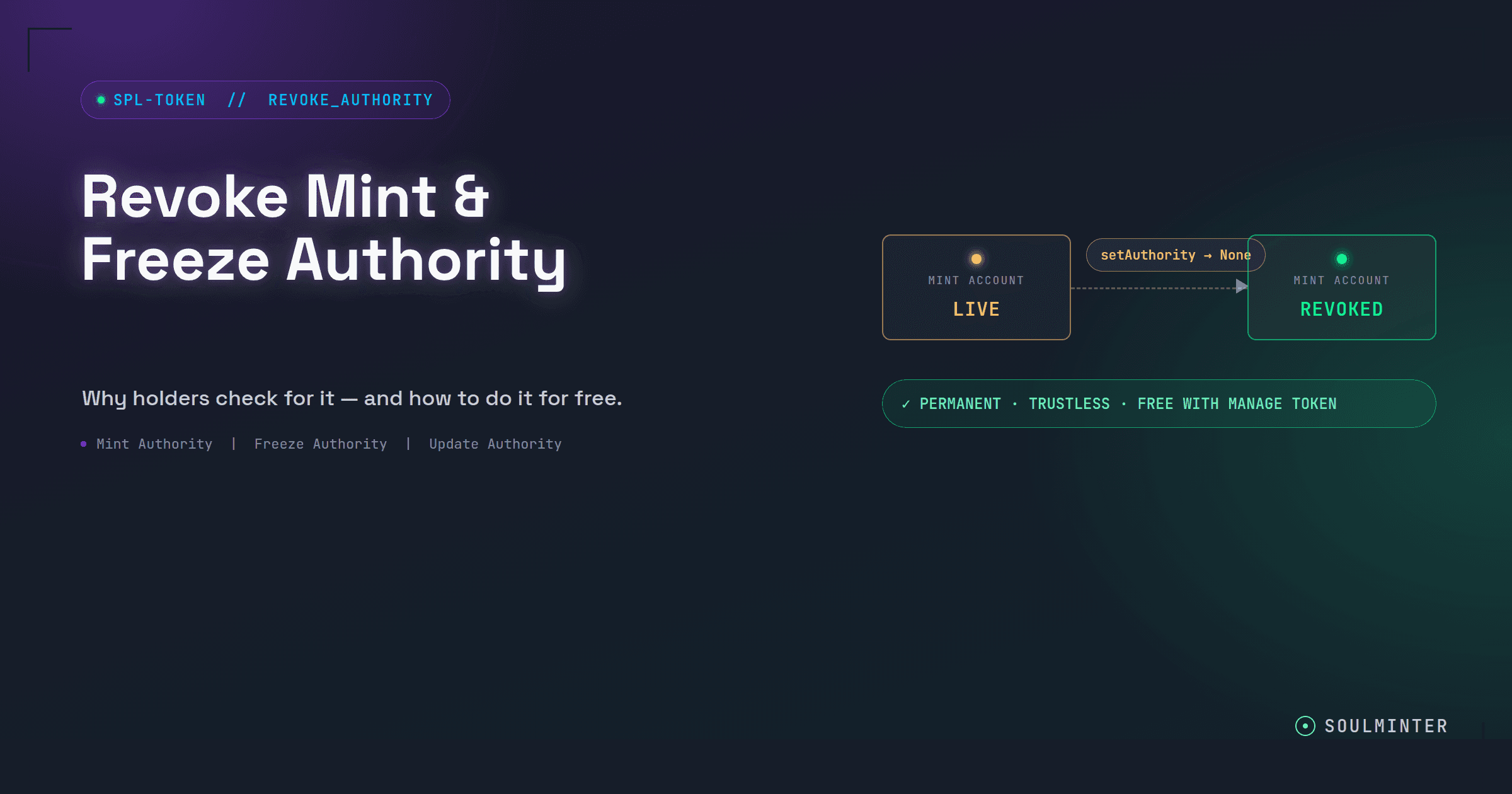
Already created your Solana SPL token? Revoke mint, freeze or update authority in two minutes: connect the creator wallet, scan the mint, click revoke, sign.
Learn how to create Solana tokens, understand SPL tokens, and master token creation with our comprehensive guides and tutorials.

Already created your Solana SPL token? Revoke mint, freeze or update authority in two minutes: connect the creator wallet, scan the mint, click revoke, sign.

Solana's Token-2022 permanent delegate lets one address transfer or burn tokens from any holder's wallet. What it can do, what it can't, and who should use it.

Solana's Token-2022 non-transferable extension makes a token permanently soulbound. It can still be minted and burned, but it can never change wallets.

Solana's Token-2022 pausable extension lets a pause authority halt every transfer, mint and burn across a mint, then resume it. It can only be set at creation.

Solana's Token-2022 interest-bearing extension stores an annual rate on the mint so the displayed balance grows over time. No new tokens are ever created.

What mint, freeze and update authority let a Solana token creator do, why holders check them before buying, and when to revoke or keep each one.

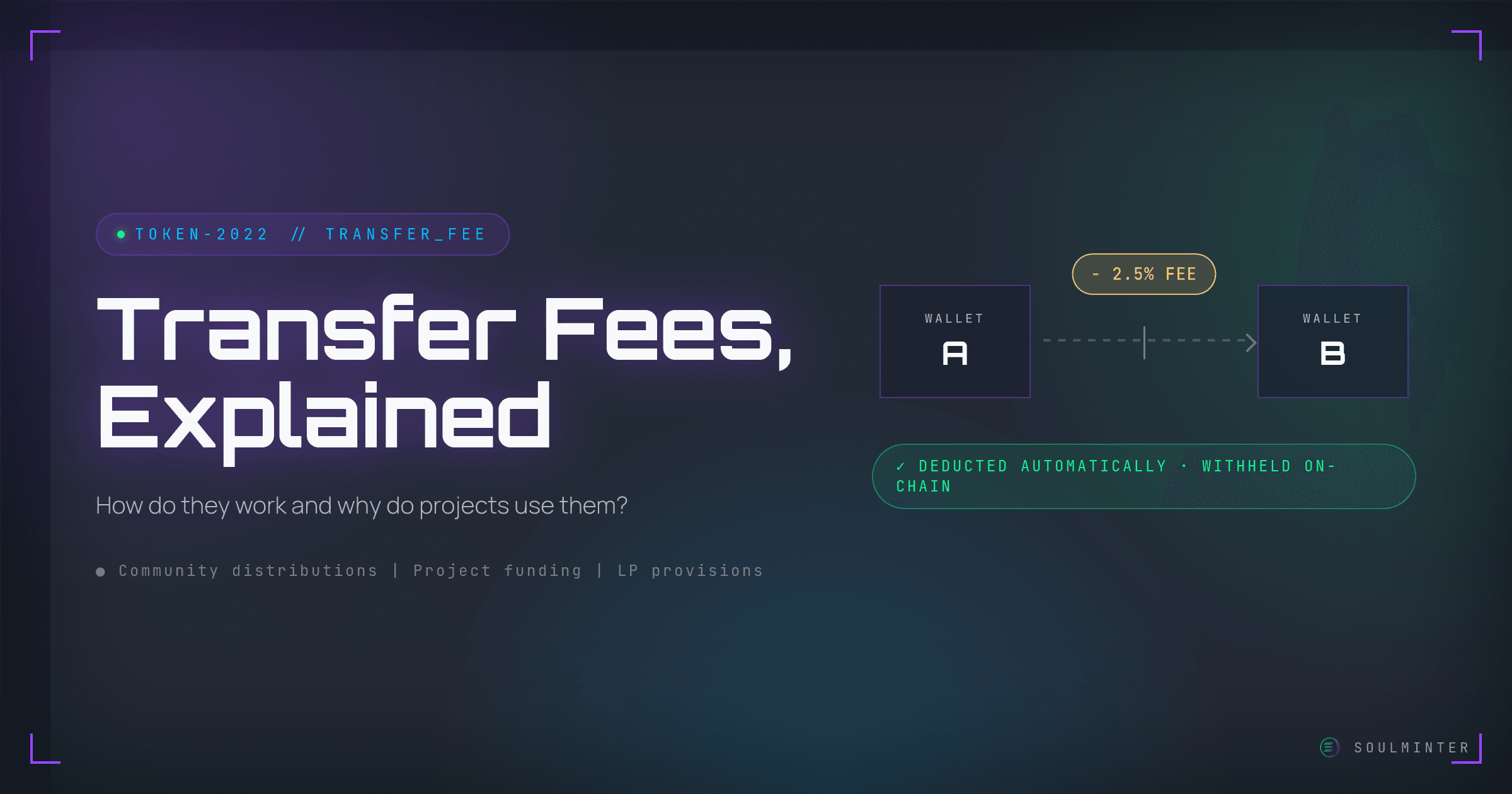
What is a transfer fee on a Solana SPL token? Learn how the Token-2022 transfer fee extension works, why projects use it, and how to add one to your own token with SoulMinter.

A step-by-step 2026 guide to creating your own Solana SPL token without coding. Learn the full no-code workflow, costs, and best practices using SoulMinter.
Creating a meme coin on Solana takes about five minutes and no code. A plain-English guide for first-time creators: what you need, each step, and what comes after.
Low fees, quick confirmations and a ready-made token program make Solana an easy place to launch a first token. Here is what that means in practice, plus the downsides.
Put your knowledge into practice with SoulMinter's no-code platform.
Start Creating