Transfer Fees on SPL Tokens, Explained: How They Work and Why Projects Use Them
What is a transfer fee on a Solana SPL token? Learn how the Token-2022 transfer fee extension works, why projects use it, and how to add one to your own token with SoulMinter.
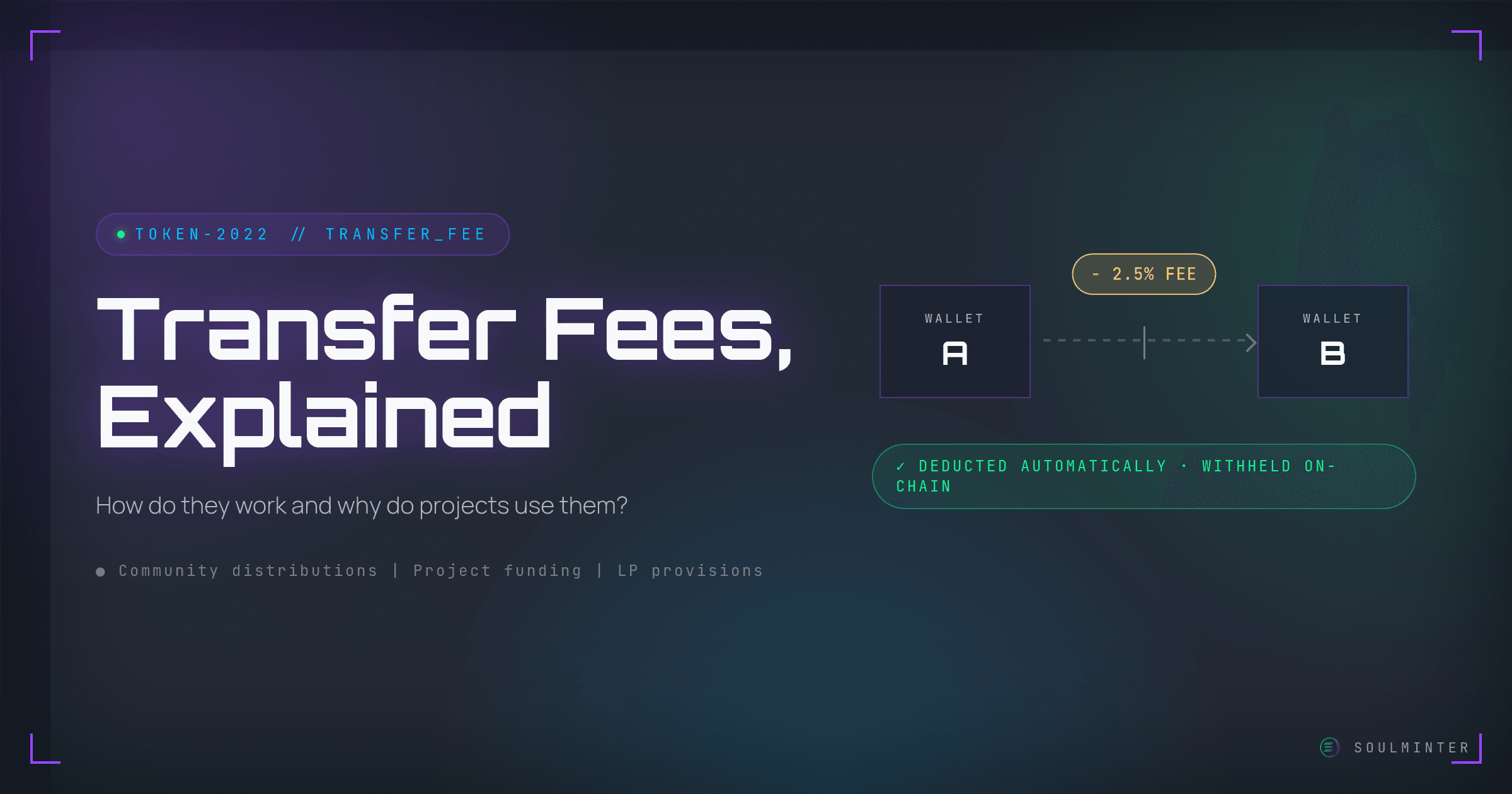
If you have ever looked into launching a token on Solana, you may have come across the term "transfer fee." In this guide we will explain what a transfer fee on an SPL token actually is, how it works, and why so many projects choose to use one.
TL;DR
- A transfer fee is a Token-2022 extension that withholds a percentage of every transfer of the underlying token.
- It is enforced automatically and on-chain. There is no bot, no middleman, and nothing the sender or receiver has to do manually.
- Projects use it to fund a project from real token activity instead of gradually selling their own supply, which would create downward price pressure.
- The revenue is commonly routed back into liquidity pools, burnt to create a deflationary mechanic, or redistributed to active users.
- Transfer fees are configured when the mint is created. A token minted without the extension cannot have one added afterwards.
What Is a Transfer Fee on an SPL Token?
In January 2024 the Token-2022 program was introduced on Solana mainnet, and with it token extensions came to life. Extensions add extra behaviour to a token directly at the protocol level, without any custom smart-contract code. One of these extensions is the Transfer Fee.
How Does the Token-2022 Transfer Fee Work?
The transfer fee extension is used to take a cut of every transfer of the underlying token. Whenever the token moves from one wallet to another, a percentage you define is withheld automatically and on-chain — there is no bot, no middleman, and nothing the sender or receiver has to do manually. Solana's own transfer fee guide walks through how the program withholds and later collects those amounts.
Why Do Projects Use Transfer Fees?
It helps build sustainable projects where founders don't have to rely on gradually selling off their own supply (which would create downward price pressure), but are able to capitalize on their token actually being used. That is a much healthier way of keeping a project's financials under control, because the revenue scales with real activity rather than with the team dumping tokens on the market.
What Do Projects Do With Transfer Fee Revenue?
Projects put transfer fee revenue to work in a few common ways:
Liquidity pool provisions: A part of the income from transfer fees is often routed back to DEXes to deepen liquidity pools, which reduces slippage and makes the token easier to trade.
Deflation: Sometimes the collected tokens are burnt to reduce outstanding supply and create a deflationary mechanic that rewards long-term holders.
User rewards: The revenue may be redistributed to active users or used to promote a specific incentive within the community.
How Do You Add a Transfer Fee to Your Own Token?
While before Token-2022 this used to be quite a headache, today it is as simple as it gets. Transfer fees are a Pro (Token-2022) extension, so you can set one up right from our no-code builder.
One thing to settle before you launch: extensions are configured when the mint is created, as the Token-2022 extension guide sets out. A token minted without the transfer fee extension cannot have one bolted on later — you would have to create a new token.
Head over to our token creator and pick the Pro tier, where you can mint a token with a transfer fee — among many other extensions — without writing a single line of code. You just fill in the fee percentage and the rest of your token's details, and the logic happens behind the scenes.
That's all there is to it. Good luck with your project!
Disclaimer
This guide is for educational purposes only and is not financial, legal, or investment advice. SoulMinter is an independent software tool and is not affiliated with, endorsed by, sponsored by, or partnered with the Solana Foundation, Solana Labs, or any other third party mentioned or linked in this article. External links are provided for reference only; we do not control their content. All product names, trademarks, and brands are the property of their respective owners and are used for identification purposes only. Always do your own research and use any third-party service at your own risk.
Frequently asked questions
What is a transfer fee on an SPL token?
A transfer fee is a Token-2022 extension that takes a cut of every transfer of the underlying token. It is one of the token extensions that arrived with the Token-2022 program on Solana mainnet.
How does the Token-2022 transfer fee extension work?
Whenever the token moves from one wallet to another, a percentage you define is withheld automatically and on-chain. There is no bot, no middleman, and nothing the sender or receiver has to do manually.
Why do projects use transfer fees?
They let founders fund a project from real token activity instead of gradually selling their own supply, which would create downward price pressure. Revenue scales with usage rather than with the team selling tokens.
What do projects do with transfer fee revenue?
Three common uses: routing part of it back into liquidity pools to reduce slippage, burning the collected tokens to create a deflationary mechanic, and redistributing it to active users as an incentive.
Can a transfer fee be added to a token after it is created?
No. Transfer fees are a Token-2022 extension and extensions are configured when the mint is created. If a token was minted without the extension, a new token would have to be created to add one.
Sources
- Solana: Token Extensionshttps://solana.com/solutions/token-extensions
- Solana Developer Guides: Transfer Feeshttps://solana.com/developers/guides/token-extensions/transfer-fee
- Solana Program Library: Token-2022 Extension Guidehttps://www.solana-program.com/docs/token-2022/extensions
External links are provided for reference only. SoulMinter is an independent software tool and is not affiliated with, endorsed by, sponsored by, or partnered with the operators of these sites.
About the author
Share this article
Ready to Create Your Own Solana Token?
Put your knowledge into practice with SoulMinter's no-code token creation platform.
Create Token NowRelated Articles

How Do I Revoke Authorities After Creating My SPL Token?
Already created your Solana SPL token? Revoke mint, freeze or update authority in two minutes: connect the creator wallet, scan the mint, click revoke, sign.
What Is the Permanent Delegate Extension on Solana?
Solana's Token-2022 permanent delegate lets one address transfer or burn tokens from any holder's wallet. What it can do, what it can't, and who should use it.
Soulbound Tokens on Solana: The Non-Transferable Extension Explained
Solana's Token-2022 non-transferable extension makes a token permanently soulbound. It can still be minted and burned, but it can never change wallets.